The Art of Haircut Designs - From Inspiration to Incredible Reality
Explore the world of haircut designs, from finding inspiration to making your vision a reality with your stylist.

· 6 min read
On this page
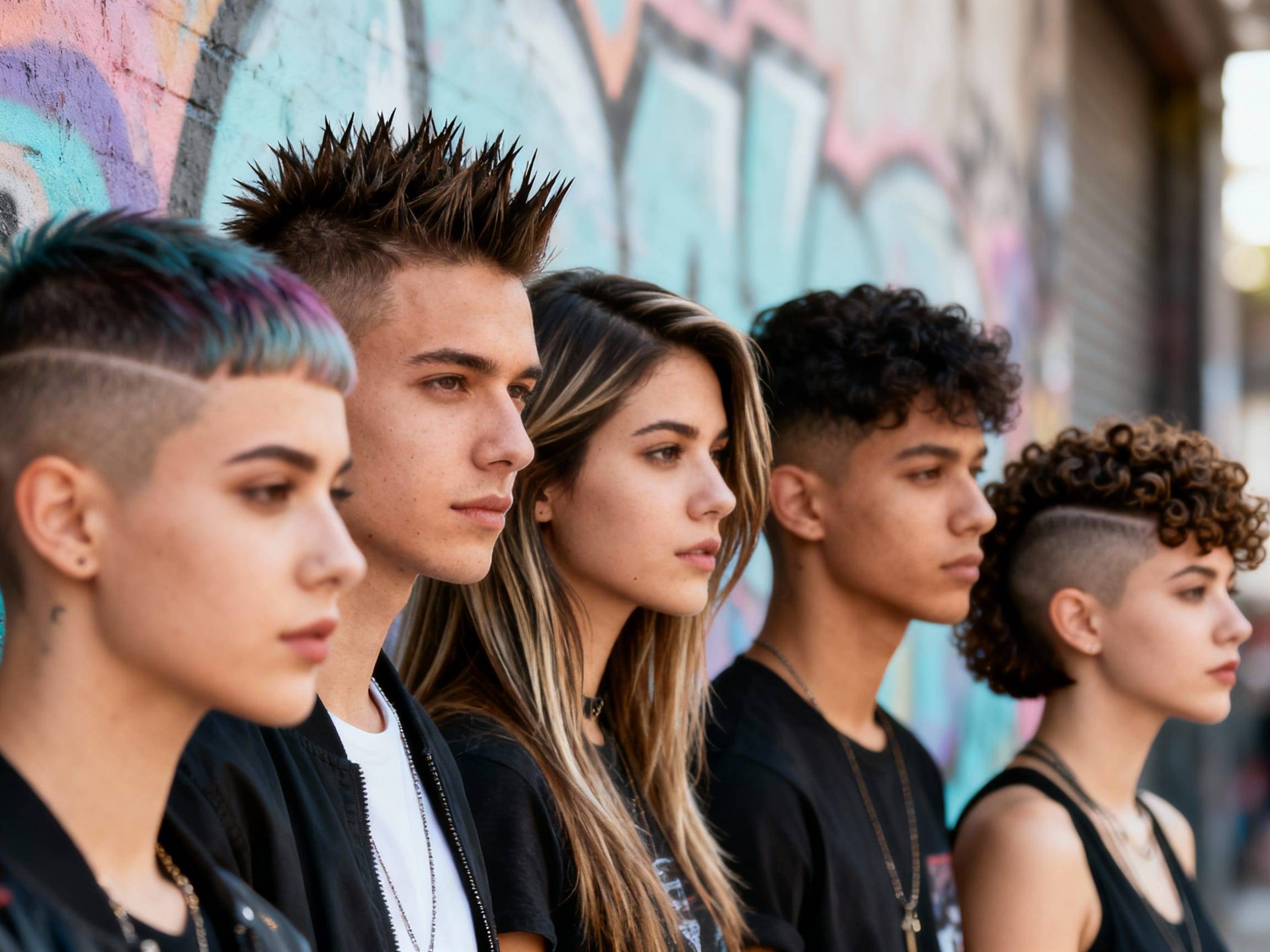
Haircut designs are shaved or clipped patterns built into a haircut: a line near the temple, a curved part, a star, a geometric panel, or a design blended into a fade. They can look sharp, but they are not low-maintenance. Most designs need enough contrast, a steady barber, and a refresh once the hair starts growing over the lines.
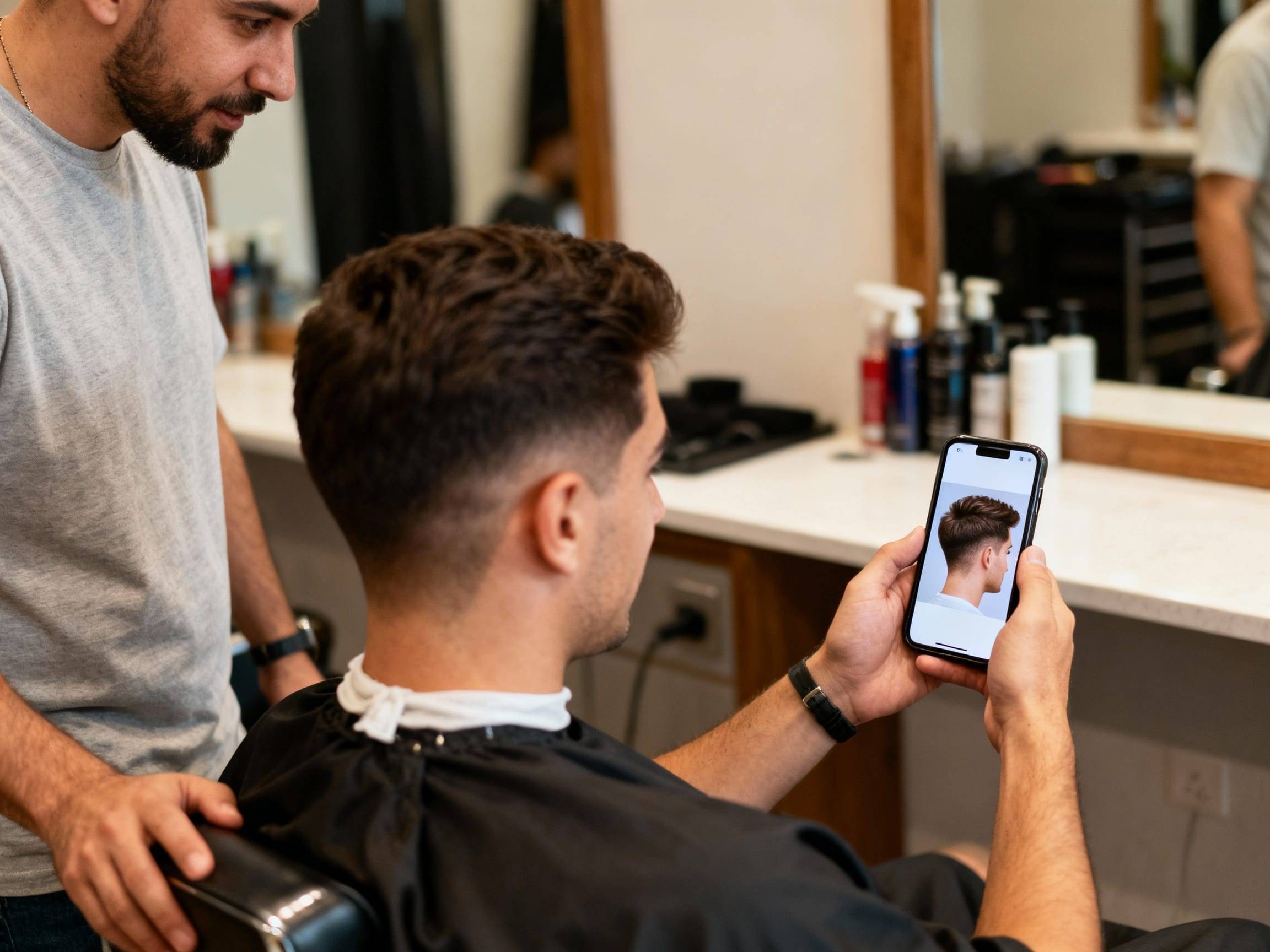
If you are trying a design for the first time, start smaller than the photo you saved. Preview the idea in HairWow Try-On, then ask your barber whether your hair density and fade height can support that exact shape.
Key Takeaways
- Simple lines are easier to wear and maintain than complex patterns.
- Designs show best when there is contrast between short and longer hair.
- Placement matters: temple, side panel, neckline, and back designs all read differently.
- A design can grow out fast, so plan for touch-ups.
- Bring a clear reference and ask if the design still works with your fade height.
A haircut design is a deliberate clipper or razor detail added to the haircut, usually by carving contrast into a fade, undercut, neckline, or side panel.
Choose the Right Type
| Design type | Best for | Maintenance reality |
|---|---|---|
| Single shaved line | First design, school or work-friendly looks | Easy to refresh, grows out softly |
| Double line or curved line | Low fade, taper, temple detail | Needs clean spacing or it looks accidental |
| Geometric pattern | Dense short hair, strong fade contrast | Looks best for a short window |
| Neckline design | Longer top, undercut, ponytail or bun styles | Hidden when hair is down |
| Fade design panel | Bold barber-shop look, photo-heavy style | Requires a skilled barber and frequent cleanup |
| Kids' design | Special events, sports cuts, fun detail | Keep it simple and comfortable |
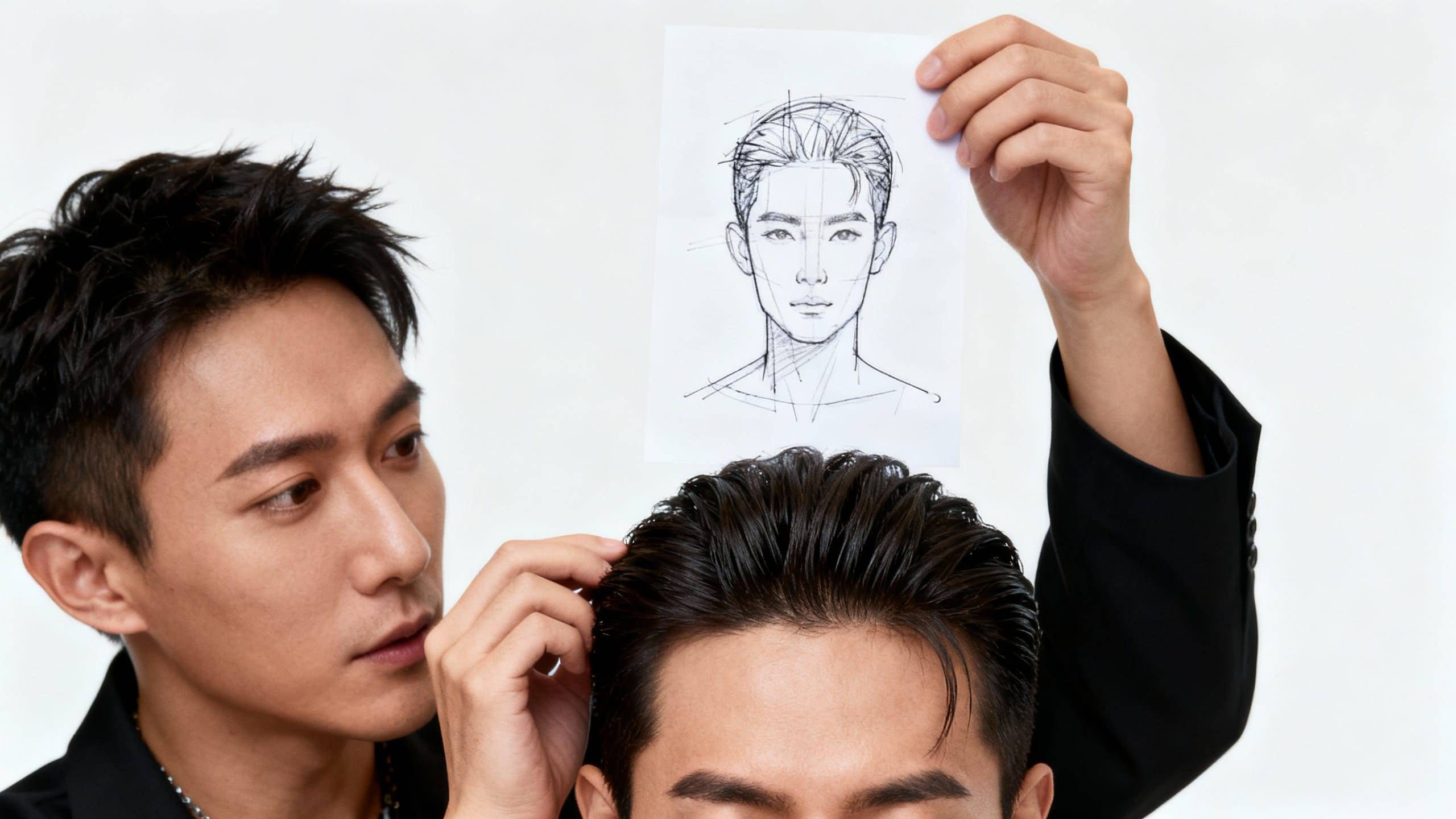
The most common mistake is choosing a design only from the close-up photo. Ask to see the full head shape. A pattern that looks great from one angle may feel too loud from the front.
What Works for Your Hair?
Straight, dense hair shows clean lines clearly. Wavy or curly hair can still hold a design, but the line may soften sooner. Coily hair can look excellent with carved details when the surrounding shape is cut cleanly. Fine hair needs caution; if the design area is too sparse, the line may look patchy instead of intentional.
Fade height matters too. A low taper gives only a small design area. A mid or high fade gives more room, but it also makes the haircut bolder. If you want the option to hide the design, place it at the neckline or under longer hair.
Barber Brief You Can Use
Do not rely on the word "design." Say where it goes, how large it should be, and how sharp it should look.
"I want one curved line above the temple, blended into a low fade. Keep it subtle from the front and do not take the fade higher just to fit the line."
For a bigger look:
"Use the side panel for a geometric design, but keep the top shape natural and make sure the pattern is visible from the side, not the front."
HairWow can help turn the design into a visual reference before you commit. That is useful because barber designs are about placement as much as the pattern itself.
What to Expect During and After Your Haircut Design Appointment
The barber will usually cut the base haircut first, then map the design, then sharpen the lines with trimmers or a razor. A small line may add only a few minutes. A detailed side-panel design can take much longer.
Fresh designs look crisp because the contrast is new. After the first week, the lines may soften. After two or three weeks, many designs need a cleanup if you want them to stay obvious. If you do not want frequent appointments, choose a single line or neckline detail.
Common Mistakes
- Making the fade higher than you actually wanted just to fit the design.
- Choosing a complex pattern for fine or low-density hair.
- Forgetting that school, work, or uniform rules may treat designs differently from normal fades.
- Asking for a tiny reference photo without showing where the design sits on the head.
- Skipping the follow-up plan and then being annoyed when the line grows out.
FAQ
How long do haircut designs last?
Most designs look sharp for about one to two weeks and softer after that. Growth speed, hair contrast, and how clean the original line was all affect the timeline.
Are haircut designs only for men?
No. Designs can work on men's cuts, women's undercuts, kids' cuts, short fades, and longer styles with hidden neckline details. The key is matching the placement to the haircut.
What is the safest first design?
A single line near the temple or neckline is the safest starting point. Ask for it to sit inside the existing taper instead of forcing the barber to raise the whole fade. If you like it after a week, you can make the next version longer, curved, or doubled. If you hate it, the grow-out is not a major project.
What should I avoid before a school or work event?
Avoid trying a large side-panel design for the first time right before an event where you cannot easily cover it. If you need something safer, keep the design behind the ear, near the neckline, or under longer hair. You still get the detail, but it does not dominate every photo.
Can I show my barber an AI or edited reference?
You can, but say that it is only a direction. Some edited images have impossible contrast, perfect symmetry, or hair density that does not match real growth. A good barber can translate the idea, but they need permission to adjust the line width and placement for your head shape.
Summary
Treat a haircut design like a detail that has to fit the whole haircut. Pick the placement first, then the pattern. A small line above the temple, a neckline mark under longer hair, and a full geometric side panel are very different choices even if all three are called "haircut designs."
For a first attempt, keep the design manageable and ask how it will grow out. A clean small design usually looks better than an ambitious pattern squeezed into the wrong fade. Preview the shape, bring the reference, and let the barber adapt it to your real hair density instead of copying a photo that only works from one angle.