Try on glasses online with a photo
A pair of glasses can change how your whole face looks, but a product photo alone makes it hard to judge the shape on you. Virtual glasses try-on lets you compare frames on your own photo before deciding which pairs to shortlist. Start with a clear, front-facing portrait, then explore optical frames or sunglasses in Aurcue.
This AI glasses try-on creates a still-image preview rather than a live camera filter. Use it to compare a dark acetate frame with a fine metal rim, or a rounded shape with a more angular one. Keep the same portrait as you explore so a different expression, hairstyle or camera angle does not distract from the frames.
Virtual eyeglasses try-on for everyday frames
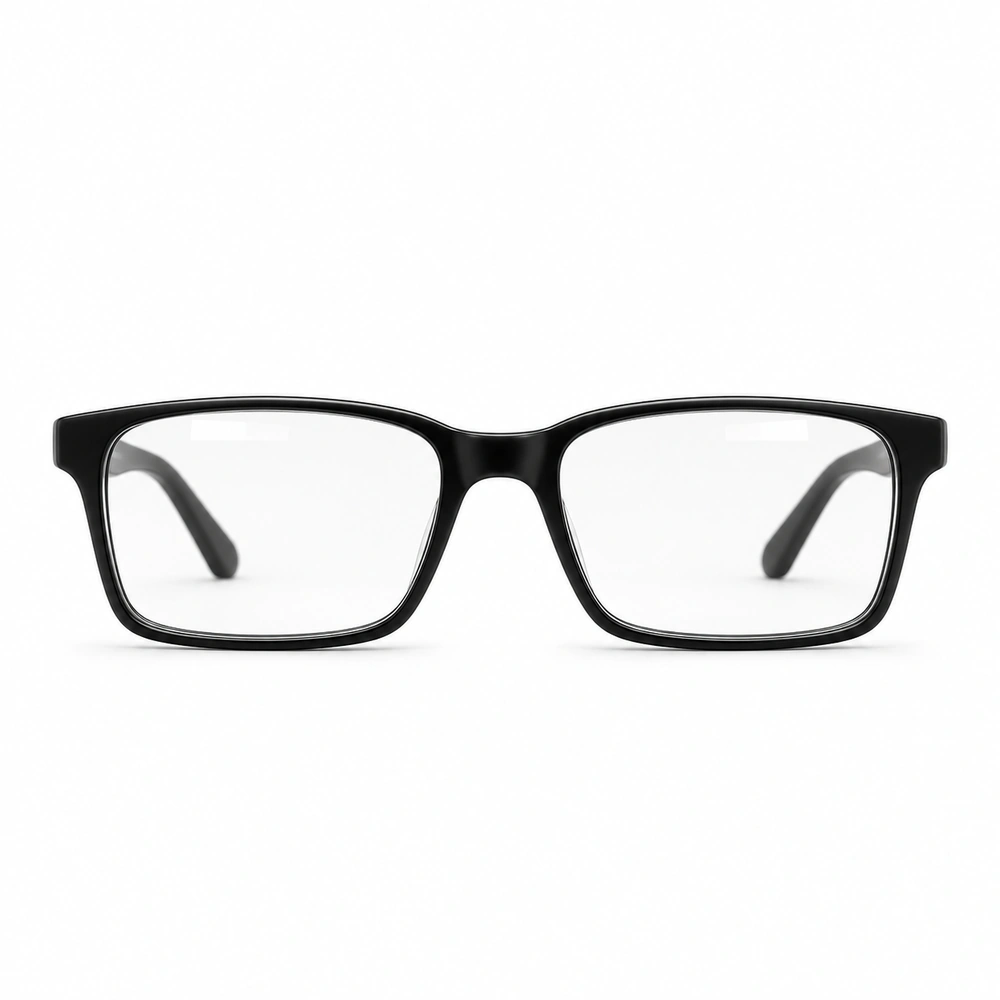
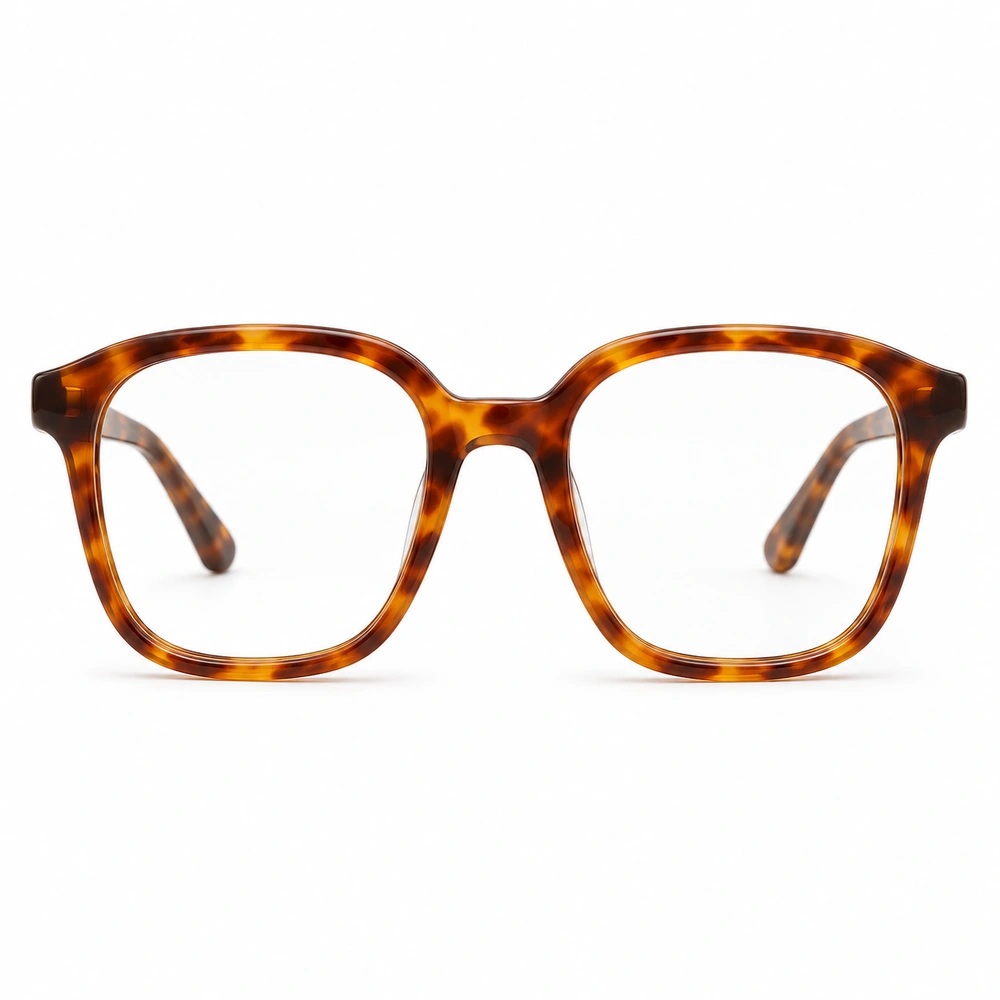
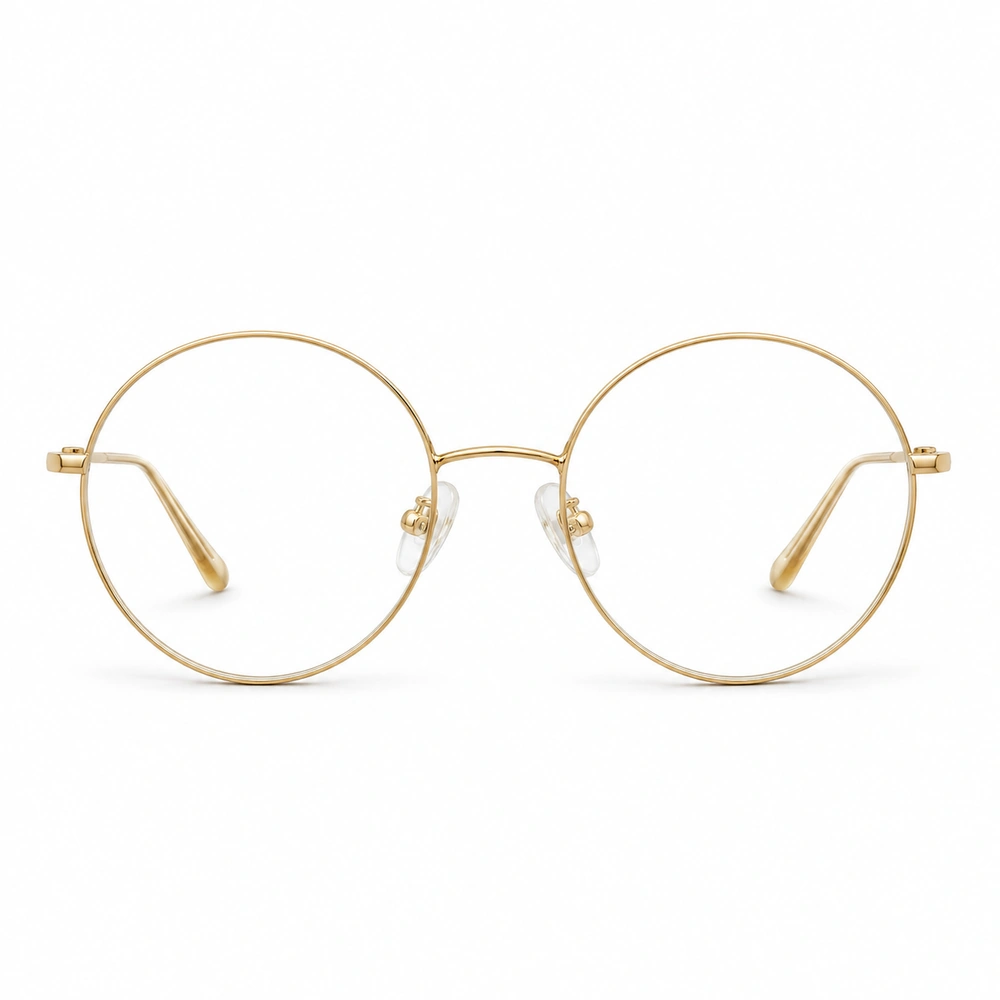
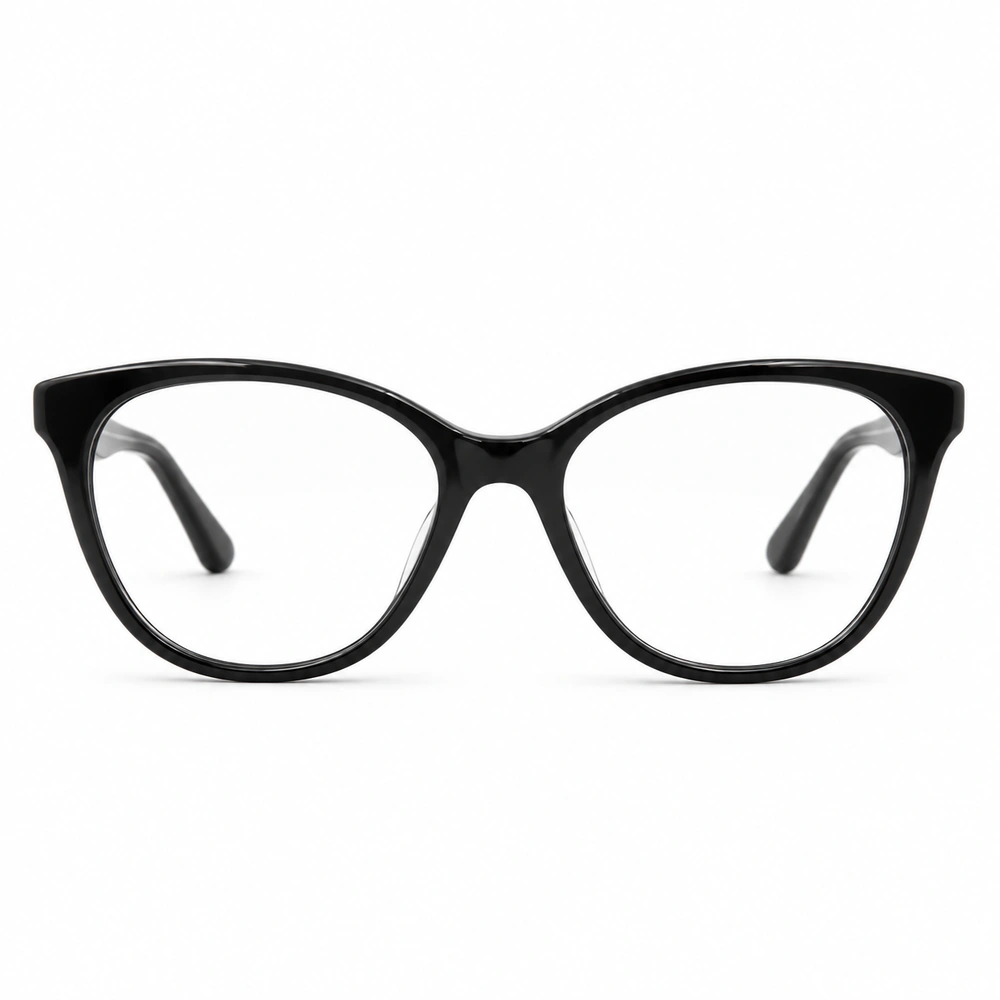
Compare black rectangular glasses, soft-square tortoiseshell frames, fine gold round glasses and cat-eye shapes. Look at how the top rim sits alongside your brows, how prominent the frame appears, and whether its color works with your usual hair and clothing. A glasses frame try-on helps you narrow the visual choices before you check dimensions or visit an optician.
Virtual sunglasses try-on before you buy
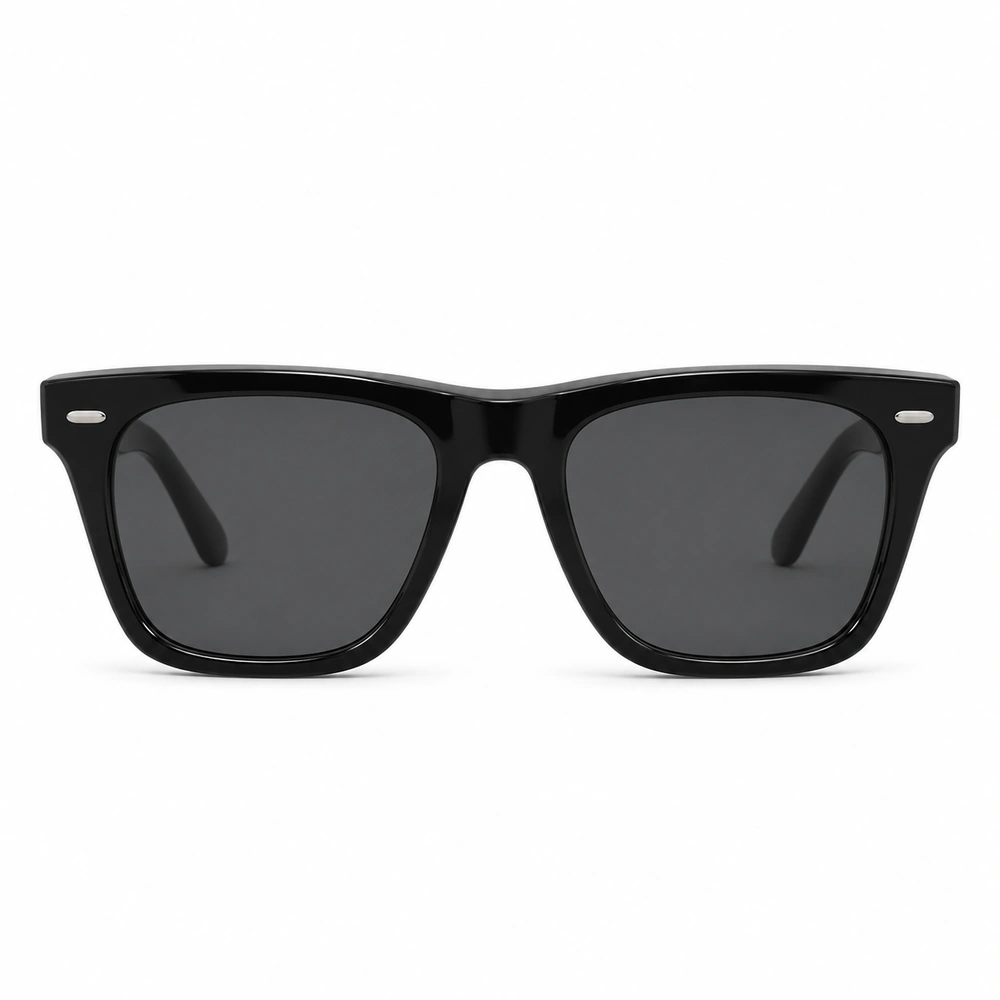
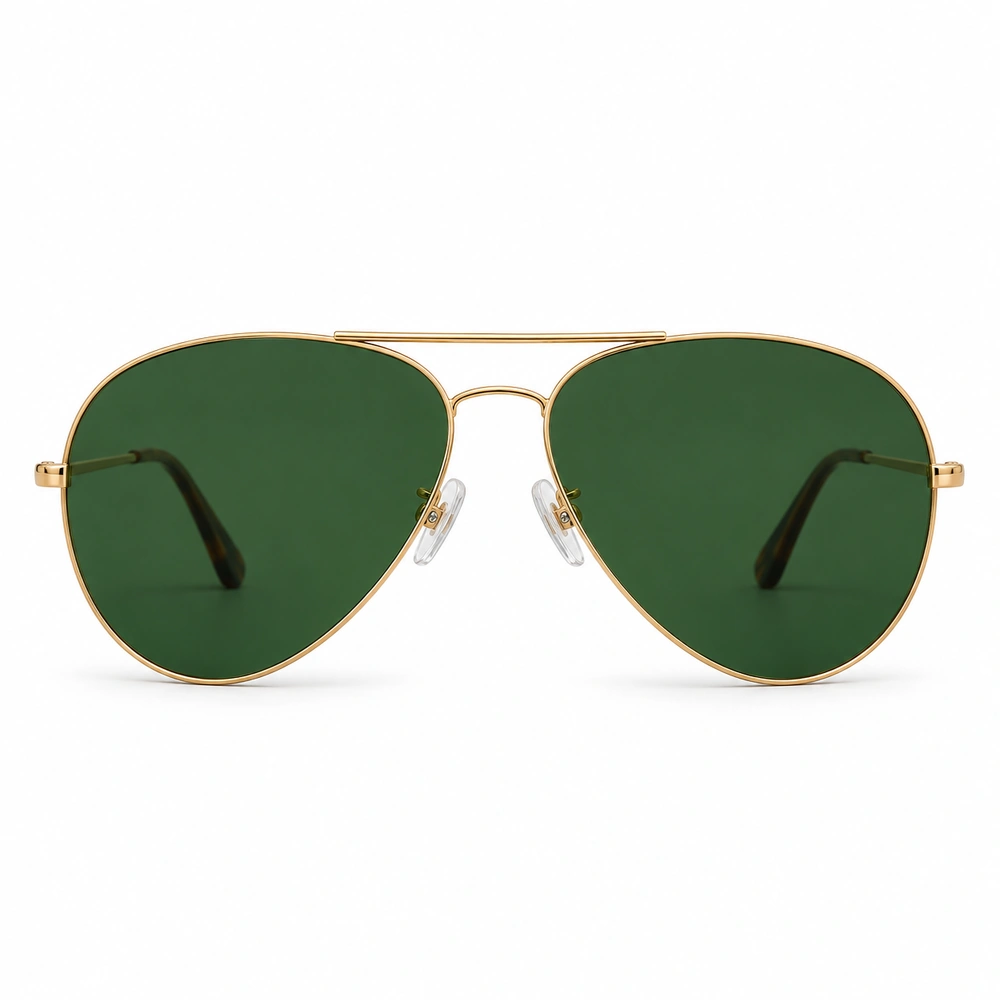
Try on sunglasses online to compare the overall silhouette as well as the lens color. See how a black wayfarer style differs from a gold aviator on the same face, or explore round and oversized designs in Aurcue. The photo preview shows the look; UV protection, lens category and prescription options still need checking on the actual product.