
Bangs filter
Try bangs before you make the cut.
Wondering what you would look like with bangs? Upload a photo and compare wispy, blunt and parted fringe styles around your own face.
Choose a look. Upload here once; Aurcue opens your photo with that look selected and starts the preview.
Try-on runs in Aurcue, our companion styling app. Available credits or a paid plan may be required.
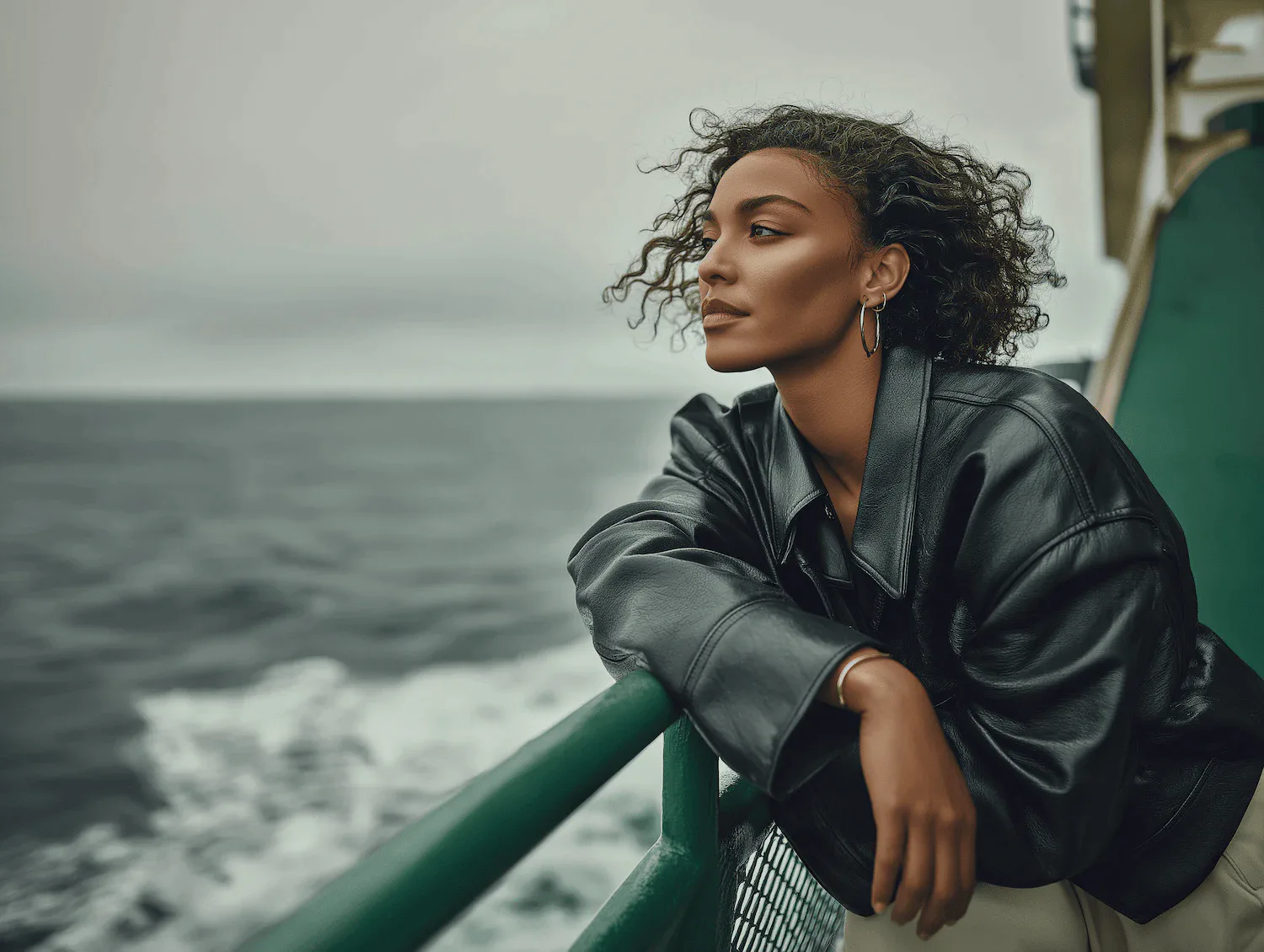
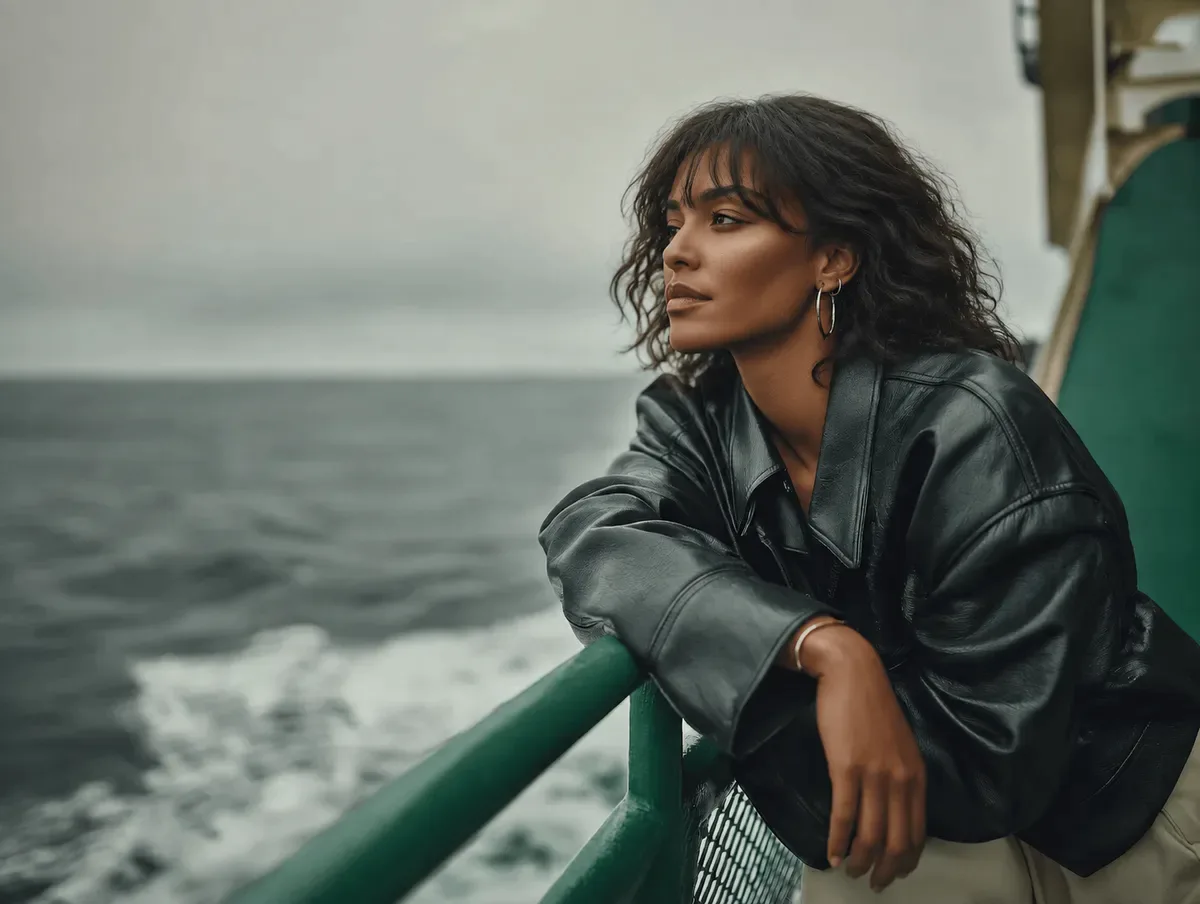
AI demonstration · illustrative, not a customer result · Wispy Bangs
Choose your first look
4Selected: Wispy Bangs
View this styleWhich bangs should I try first?
Start with a light fringe if you want to see more of your forehead, then compare it with a fuller blunt shape. Parted bangs leave an opening in the center. Keep your photo and expression the same, and look at the space around your brows and cheekbones instead of relying on a face-shape label.
AI may restyle surrounding hair as well as the fringe. It cannot predict how bangs will sit after air-drying or how often you will need a trim.
From a question to a preview
Choose one look to compare with your current style.
Upload a clear photo with the relevant hair, face or ear visible.
Continue automatically in Aurcue. Compare the result before deciding what to do in real life.
Make the preview useful
- A small change: preview a wispy fringe when you want a new frame without changing all your length.
- A stronger outline: compare blunt bangs with a parted fringe to see how much forehead coverage you prefer.
- Salon conversation: take your favorite preview and ask how your cowlicks, texture and daily styling would affect it.
Before you try it
Why does my photo open in Aurcue?
HairWow helps you find a look; Aurcue is our companion try-on app. Your selected style and uploaded photo are carried over so you do not need to upload the same photo again. Generation can start when the preset, session and available credits are ready.
Is the preview free?
Browsing styles does not require a purchase. Generating a preview uses Aurcue credits and depends on the balance or plan available to your account. If there are not enough credits, Aurcue shows its upgrade options; uploading here does not guarantee a free generation.
What kind of photo works best?
Use a sharp, well-lit photo of one person. Avoid heavy filters and keep the area you want to change visible. AI can alter details outside that area, so treat the result as a visual reference rather than a guaranteed real-world outcome.
From HairWow app users
Excerpts about the HairWow iOS app, not reviews of this tool or Aurcue.
“Seeing short layers on my own face was way more useful…”
“…the results are not overly dramatic.”
YOUR PHOTO. YOUR NEXT LOOK.