
Hair color changer
A new hair color, without the commitment.
Use an AI hair color changer to compare brunette, blonde, red and silver on your photo. Find a color direction before buying dye or booking a salon visit.
Choose a look. Upload here once; Aurcue opens your photo with that look selected and starts the preview.
Try-on runs in Aurcue, our companion styling app. Available credits or a paid plan may be required.
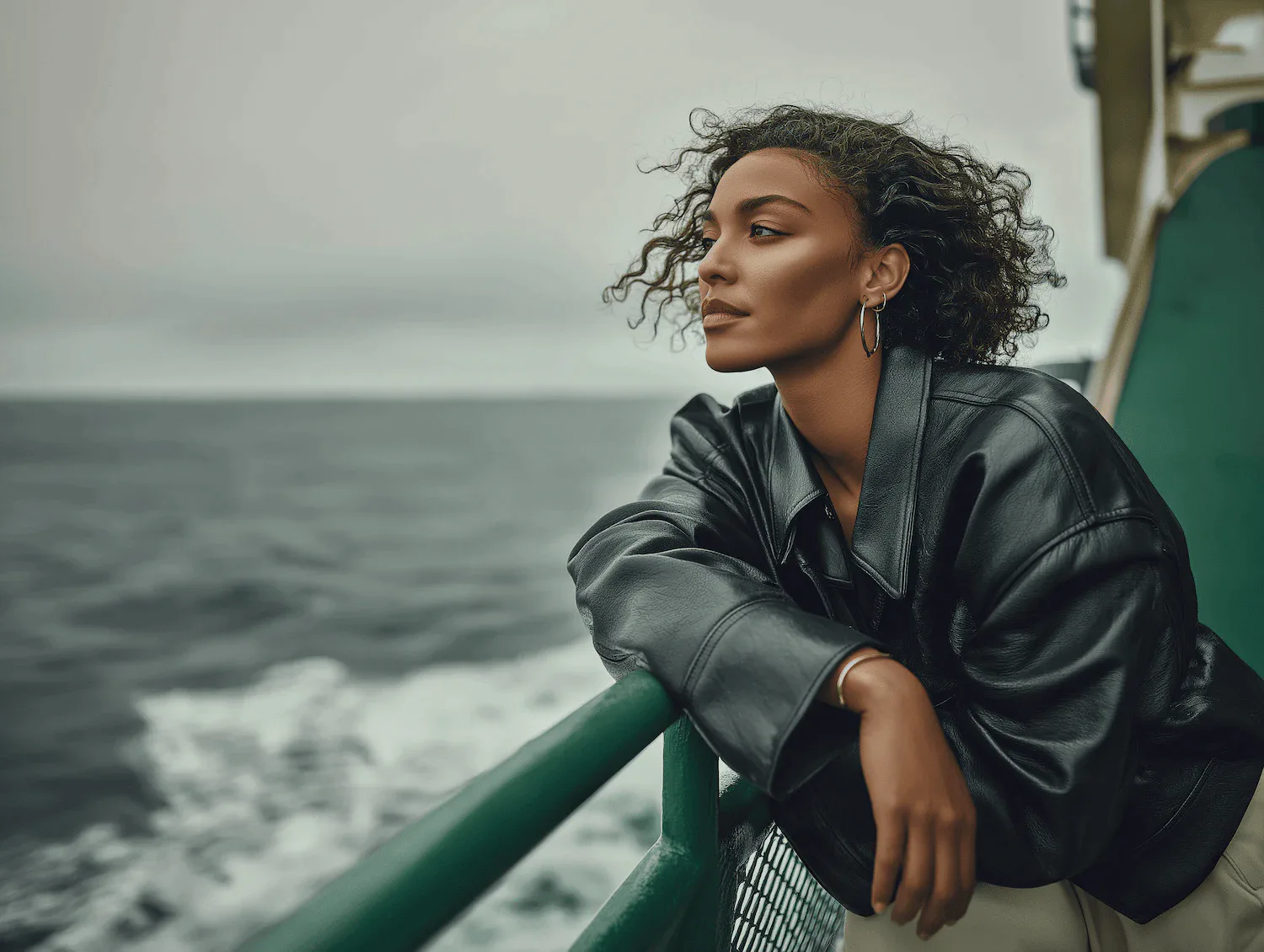
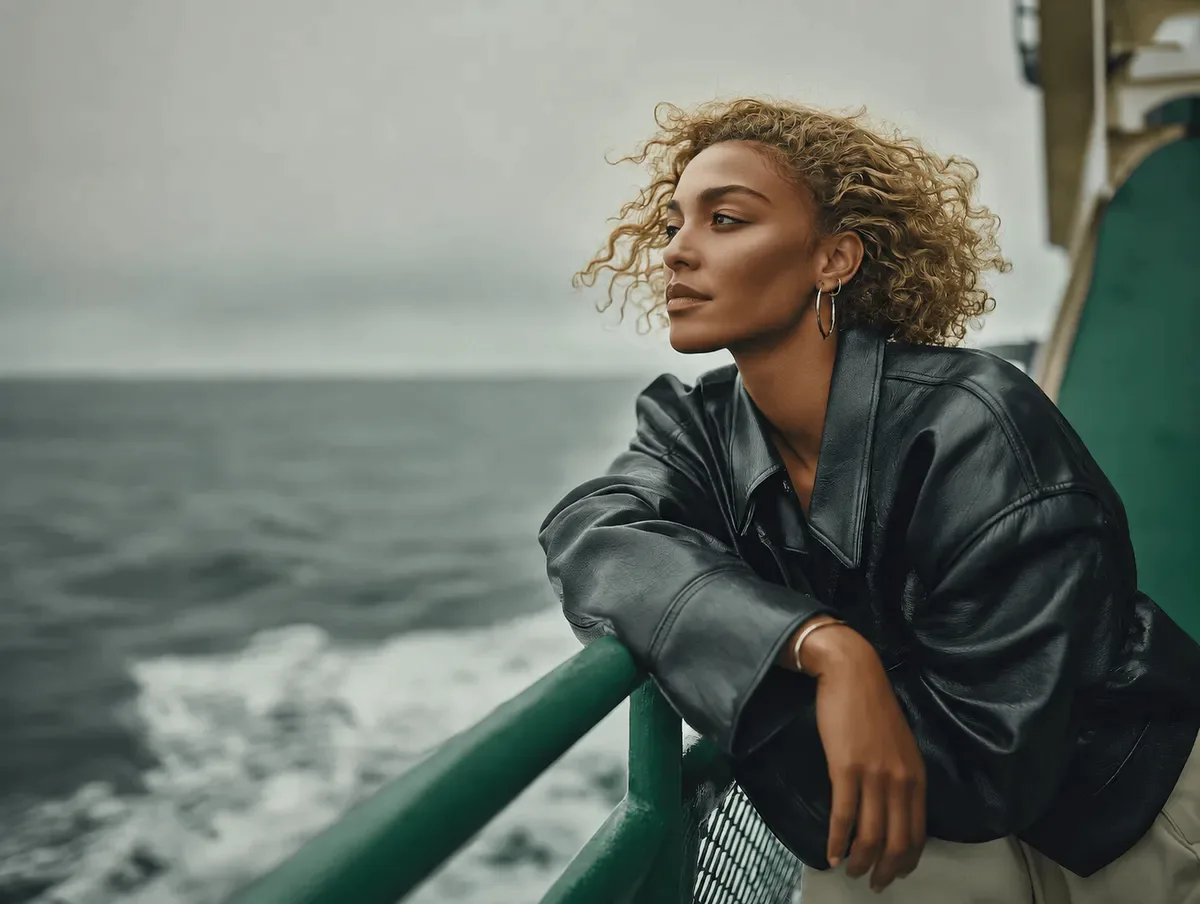
AI demonstration · illustrative, not a customer result · Blonde
Choose your first look
6Selected: Blonde
View this styleHow do I choose a hair color from a photo preview?
Use a photo in neutral daylight without a strong color filter. Compare a darker and a lighter shade first, then look at warmer and cooler options near your face. These previews are reference directions, not dye swatches: camera white balance, your screen and your starting color all affect the comparison.
AI may also change texture or styling. A preview cannot guarantee a dye formula or salon result; bleaching requirements depend on your actual hair.
From a question to a preview
Choose one look to compare with your current style.
Upload a clear photo with the relevant hair, face or ear visible.
Continue automatically in Aurcue. Compare the result before deciding what to do in real life.
Make the preview useful
- Going lighter: compare blonde with your current color before deciding whether to ask a colorist about lightening.
- Warm or cool: put red and brown beside blonde and silver to find the contrast you enjoy.
- A salon reference: save the color family you like and discuss your starting shade, previous dye and maintenance expectations.
Before you try it
Why does my photo open in Aurcue?
HairWow helps you find a look; Aurcue is our companion try-on app. Your selected style and uploaded photo are carried over so you do not need to upload the same photo again. Generation can start when the preset, session and available credits are ready.
Is the preview free?
Browsing styles does not require a purchase. Generating a preview uses Aurcue credits and depends on the balance or plan available to your account. If there are not enough credits, Aurcue shows its upgrade options; uploading here does not guarantee a free generation.
What kind of photo works best?
Use a sharp, well-lit photo of one person. Avoid heavy filters and keep the area you want to change visible. AI can alter details outside that area, so treat the result as a visual reference rather than a guaranteed real-world outcome.
From HairWow app users
Excerpts about the HairWow iOS app, not reviews of this tool or Aurcue.
“Seeing short layers on my own face was way more useful…”
“…the results are not overly dramatic.”
YOUR PHOTO. YOUR NEXT LOOK.