The hairstyle deck
Find a look. See it on you.
Browse real HairWow presets for inspiration. Upload your photo to open the AI hairstyle editor, then choose and compare any look there.
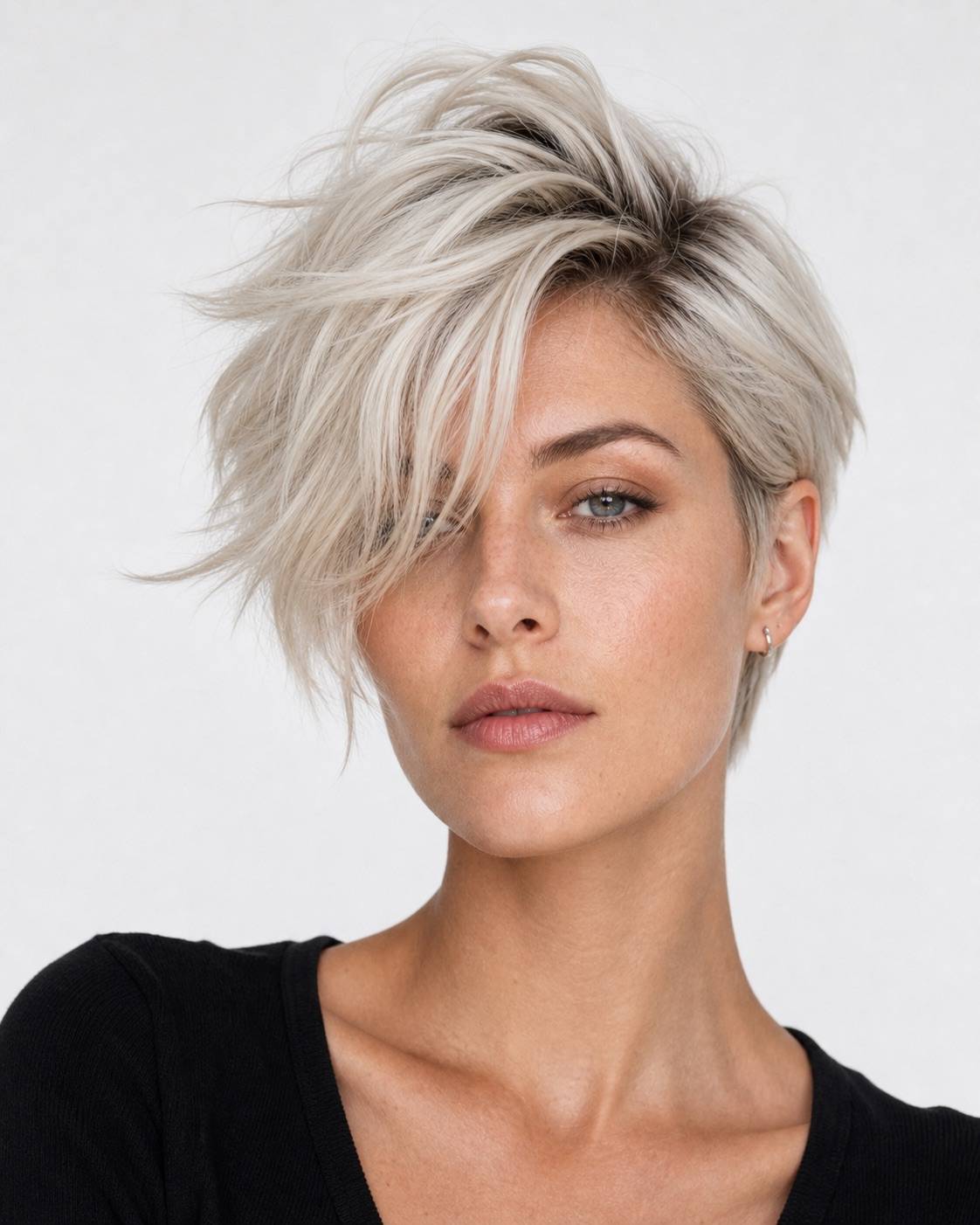 Platinum BlondeWomen
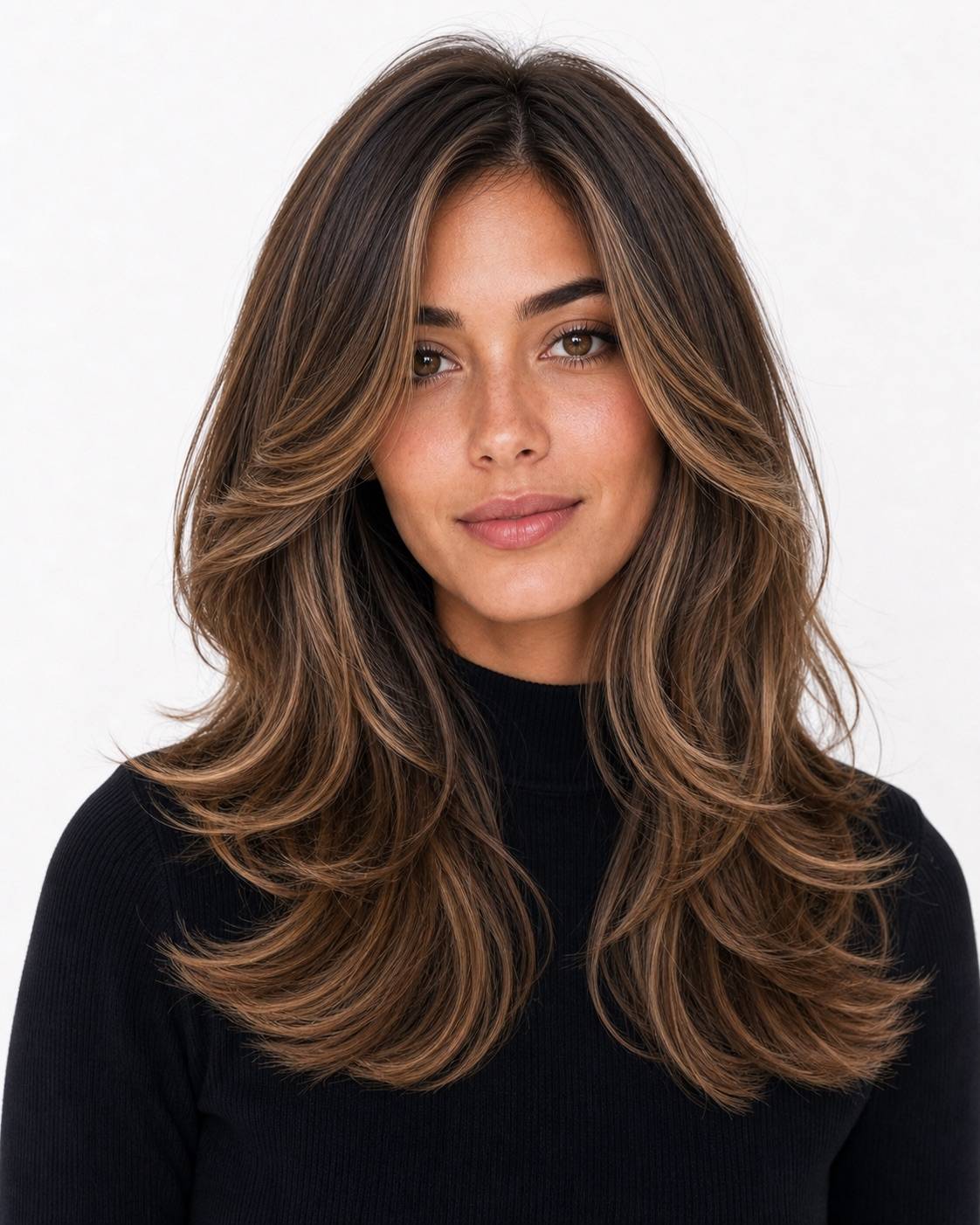 Voluminous BlowoutWomen
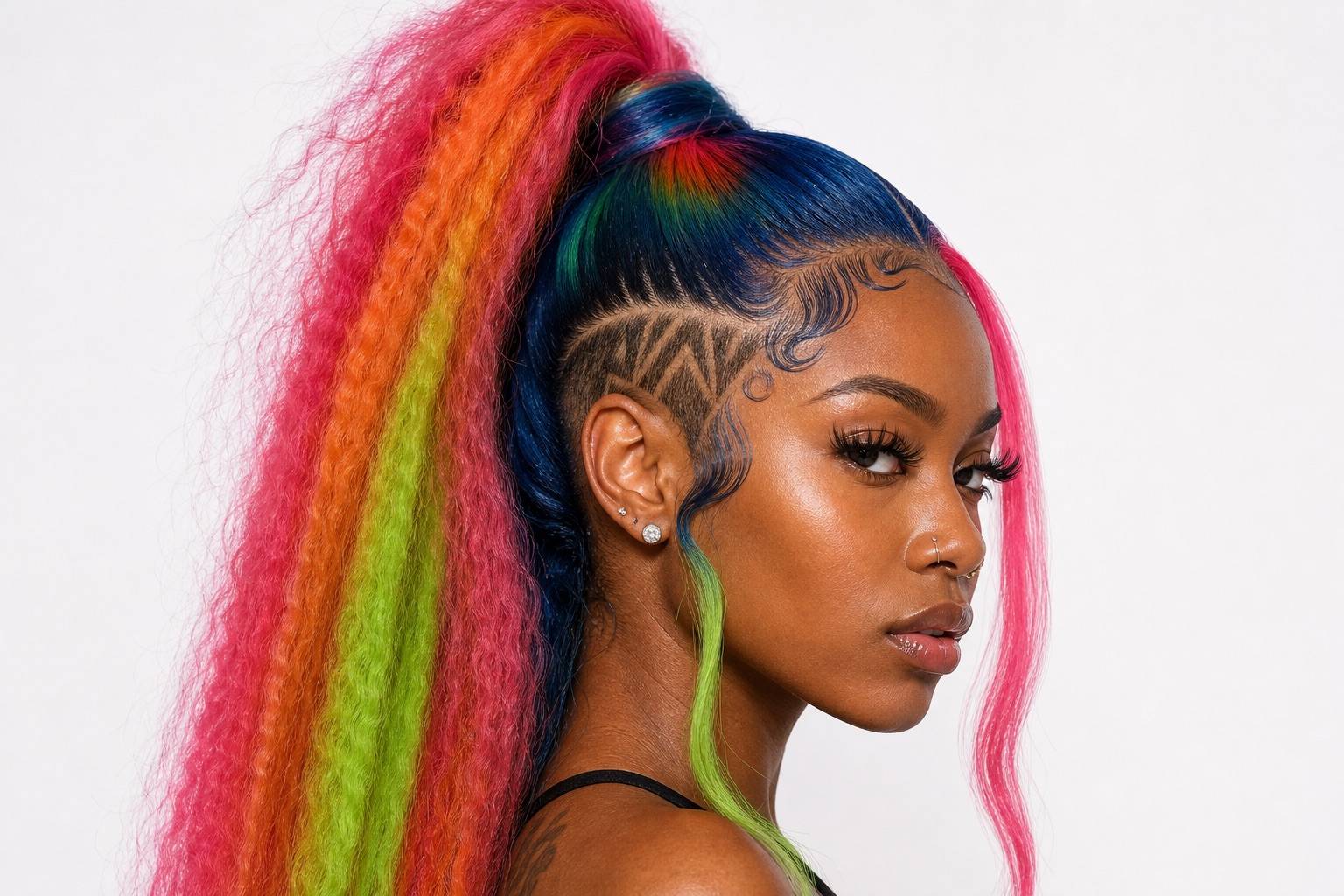 Y2K Money Piece HighlightsWomen
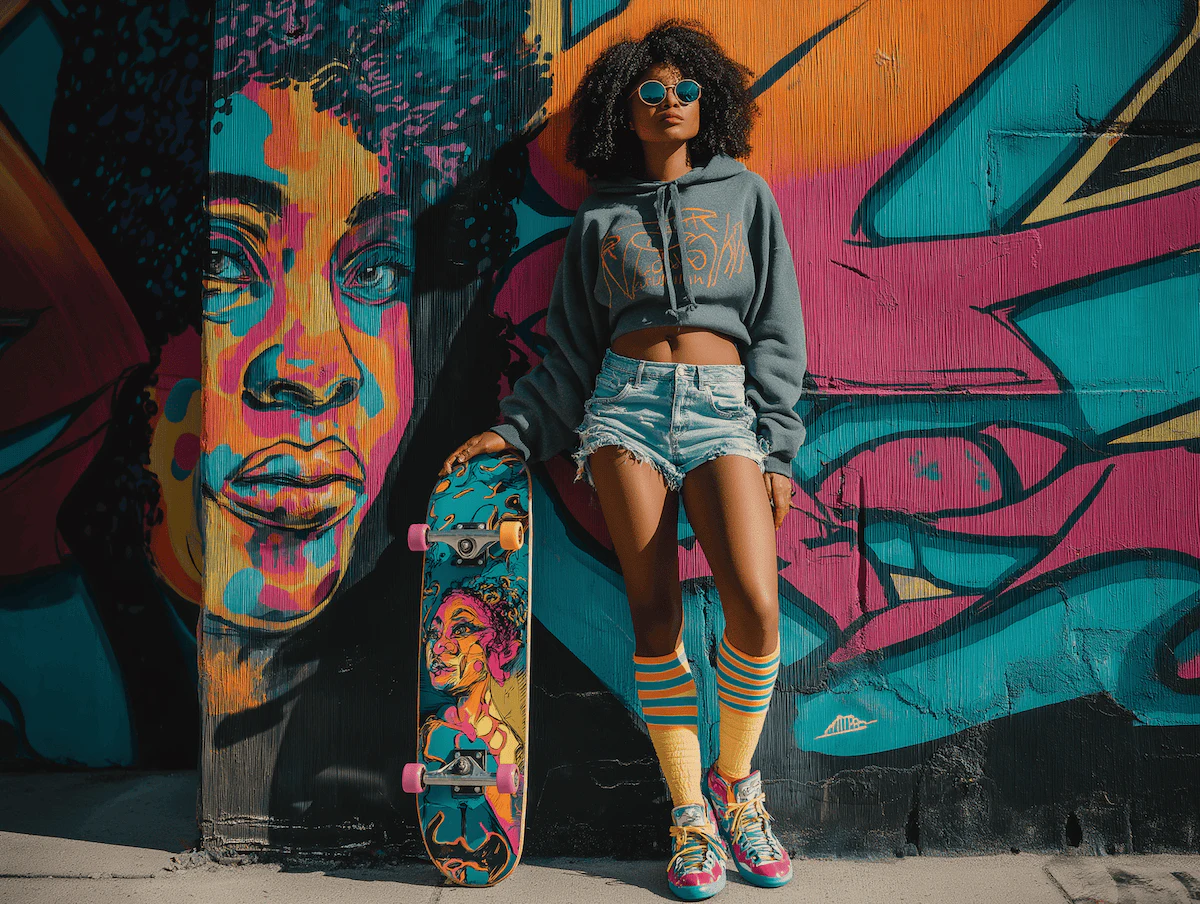
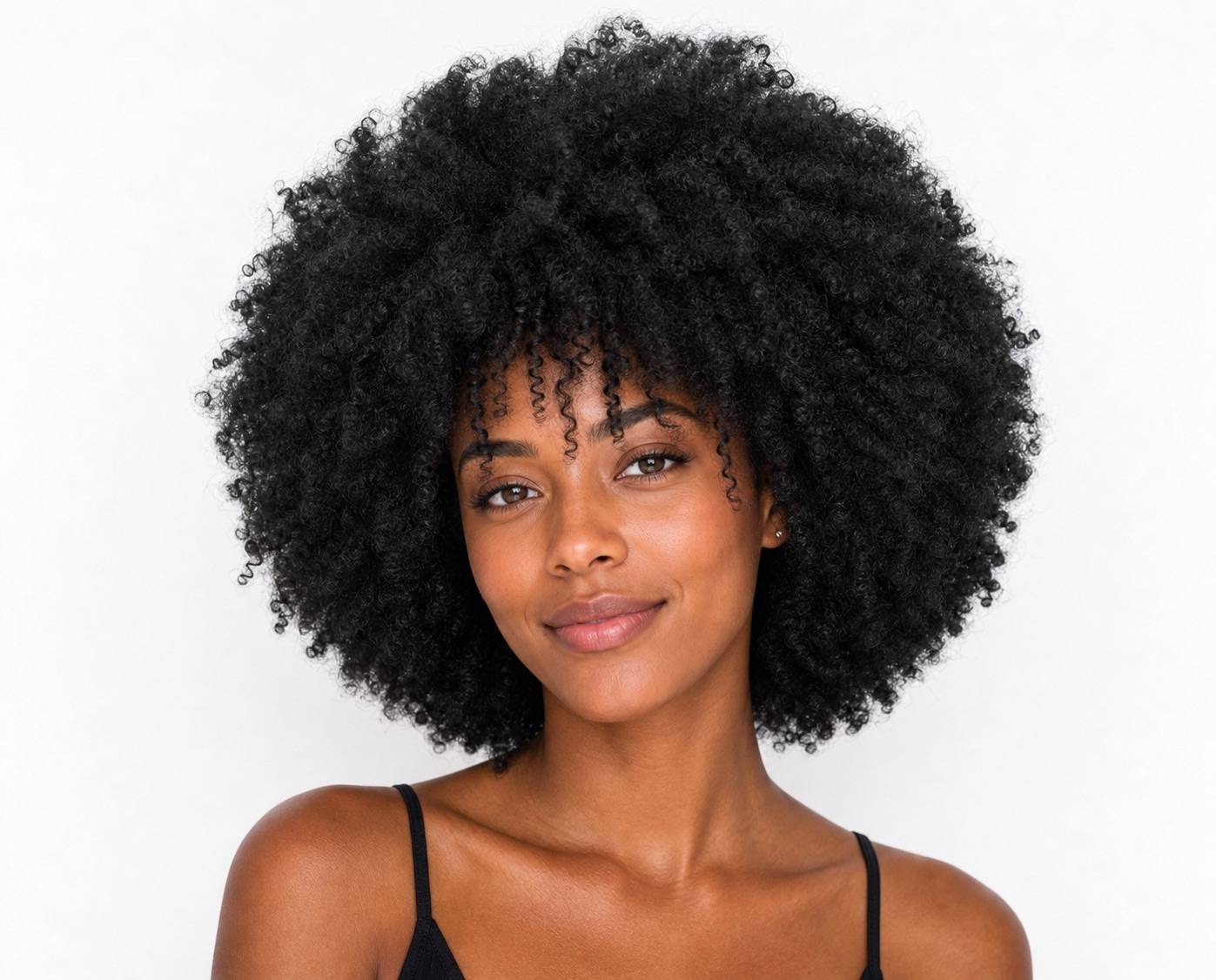 Natural Afro TextureWomen
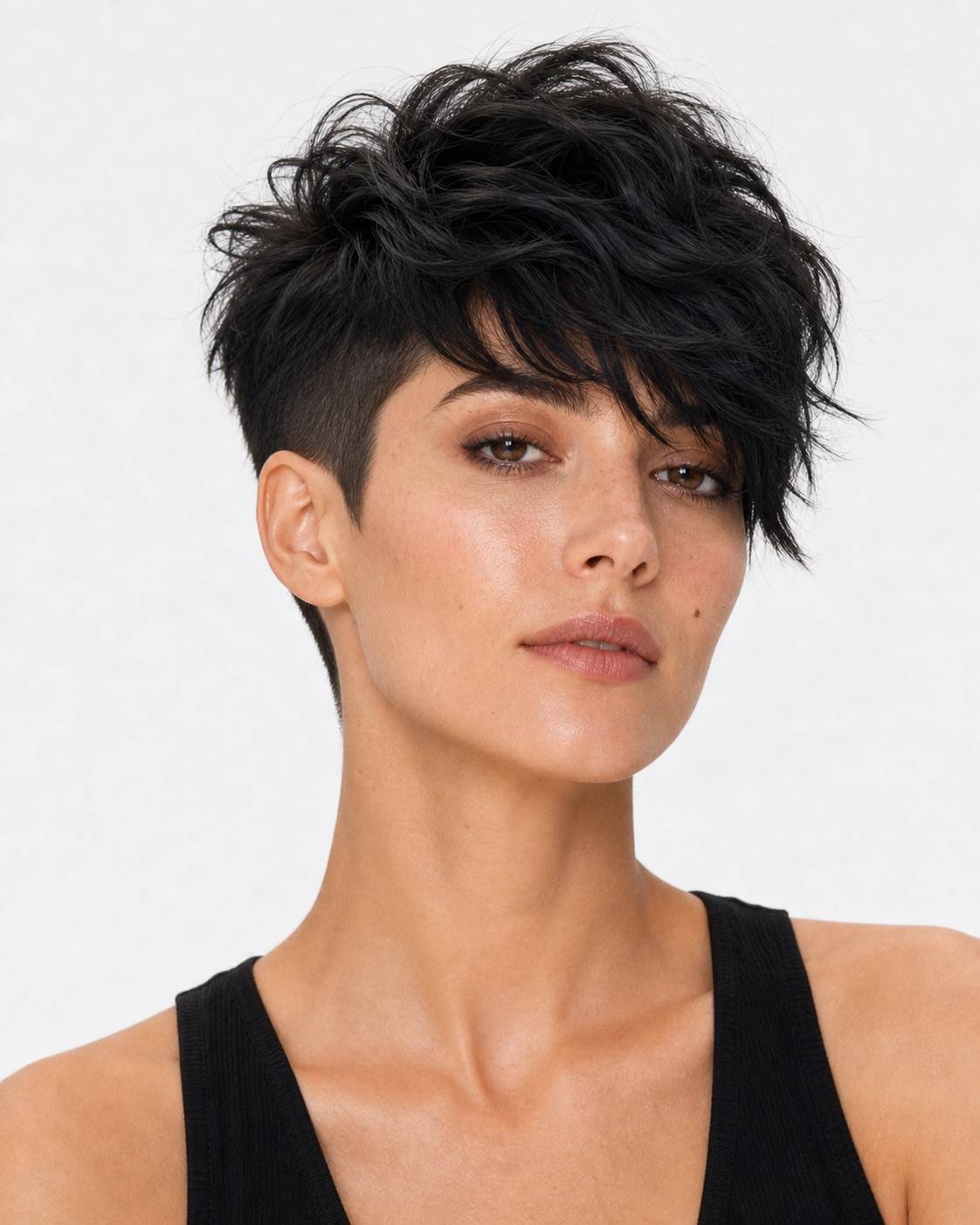 Voluminous Undercut PixieWomen
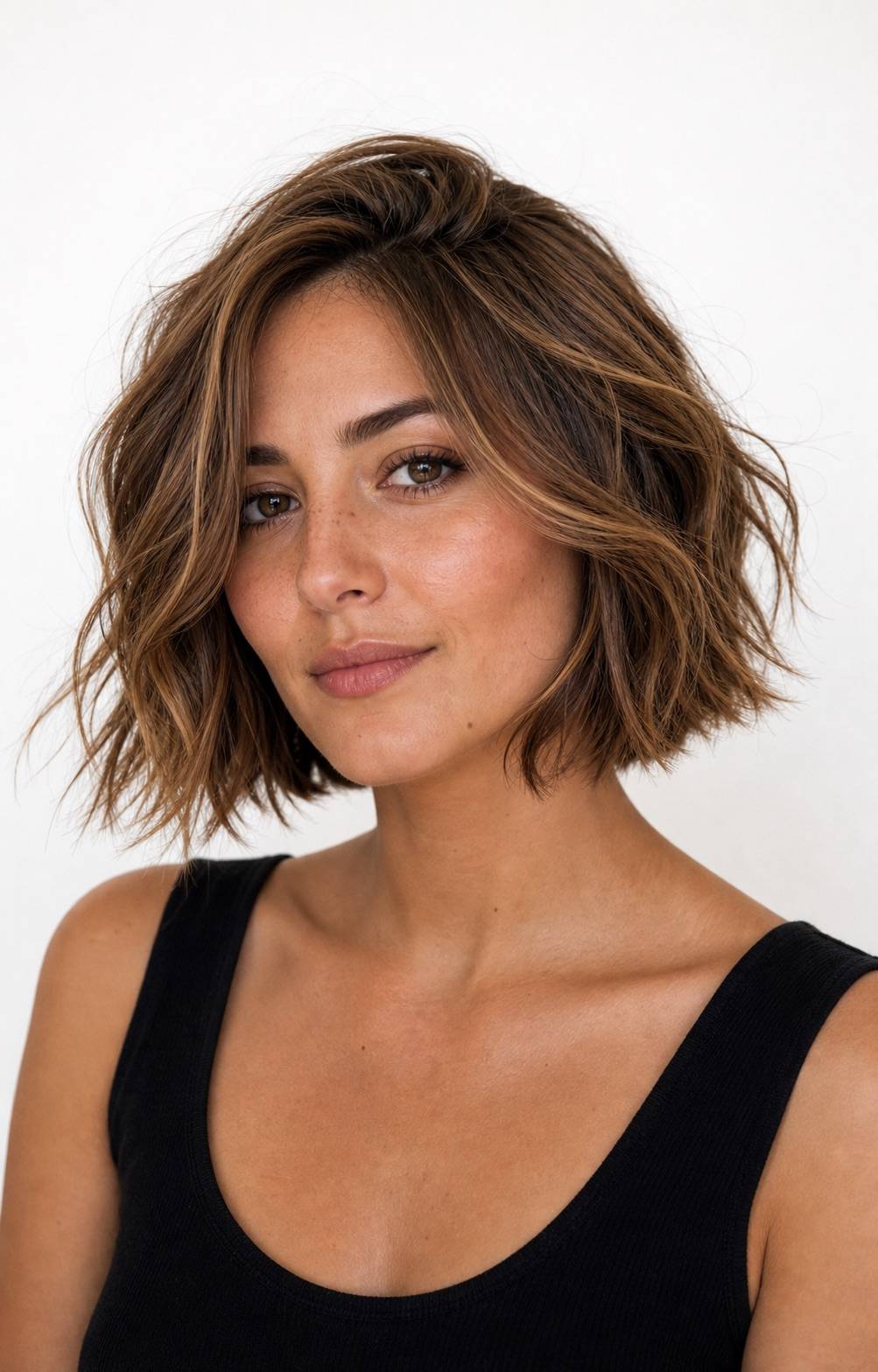 Short Layered BobWomen
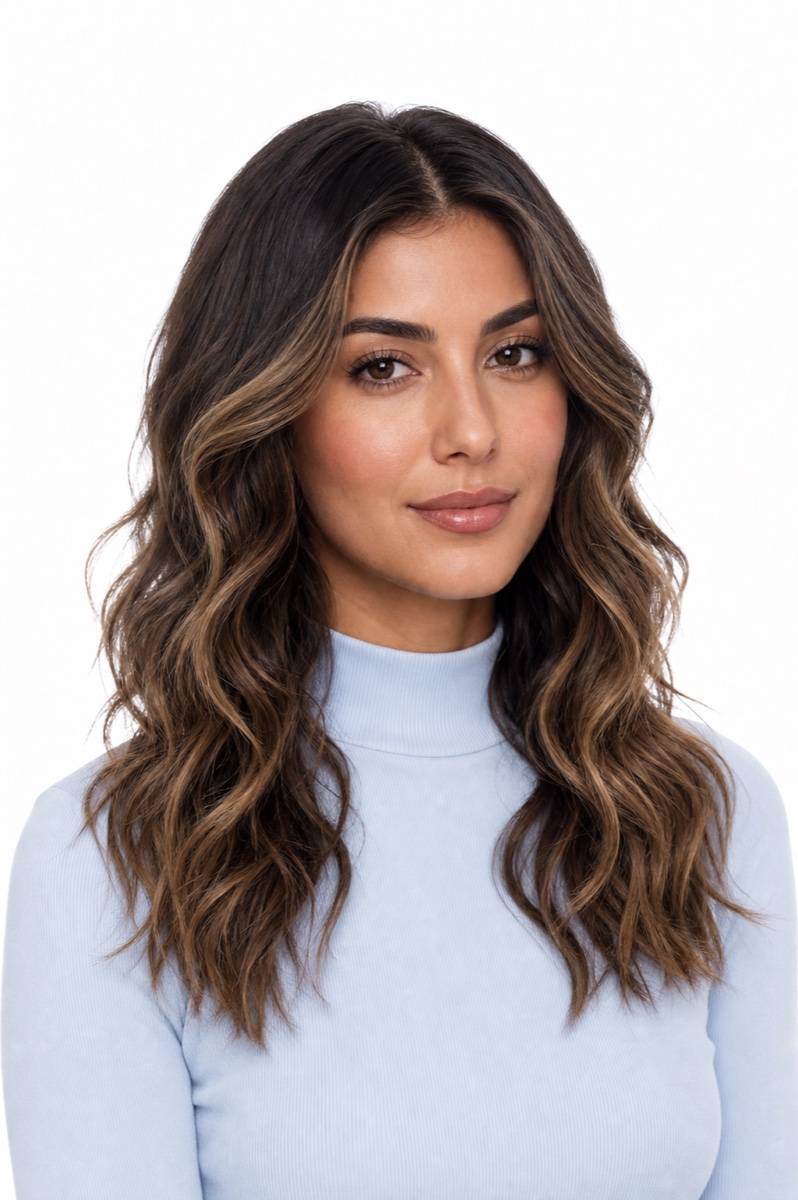 Beach WavesWomen
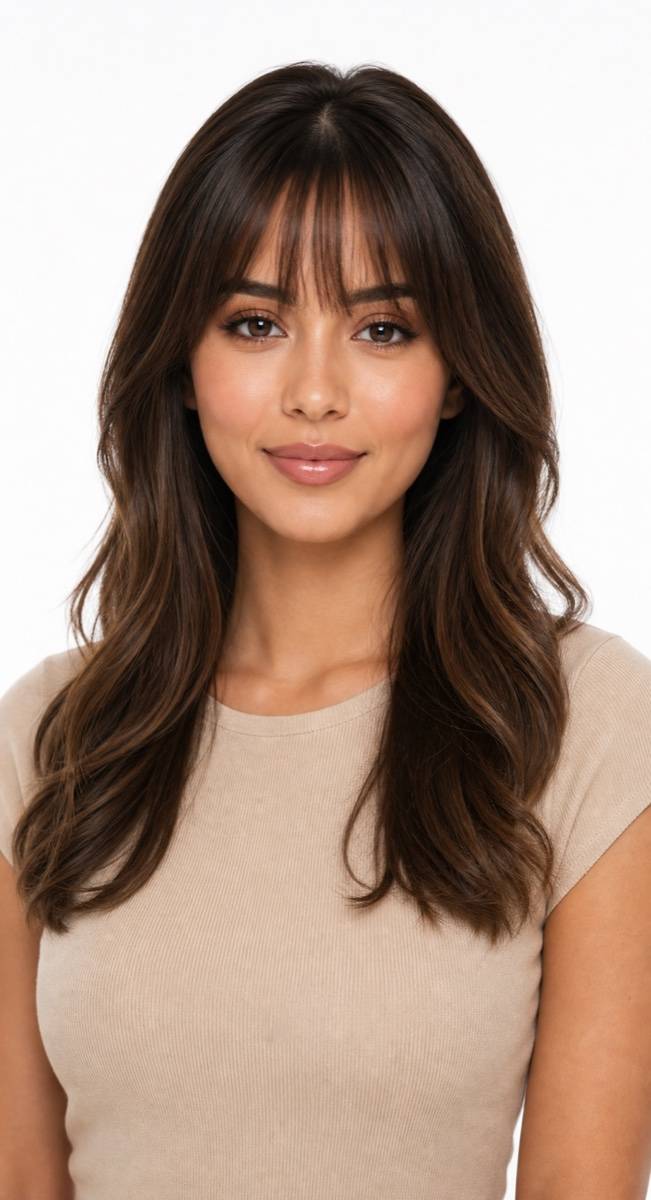 Bangs StyleWomen
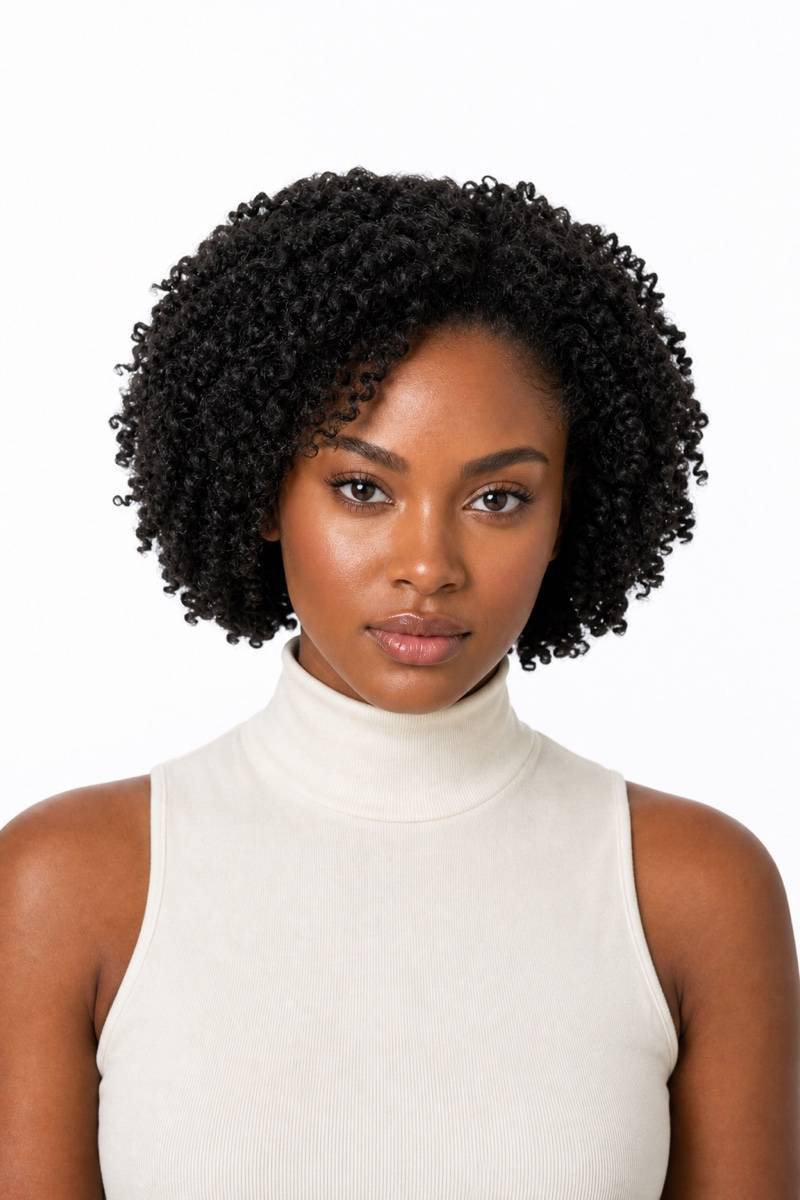 Above-Shoulder CoilsWomen
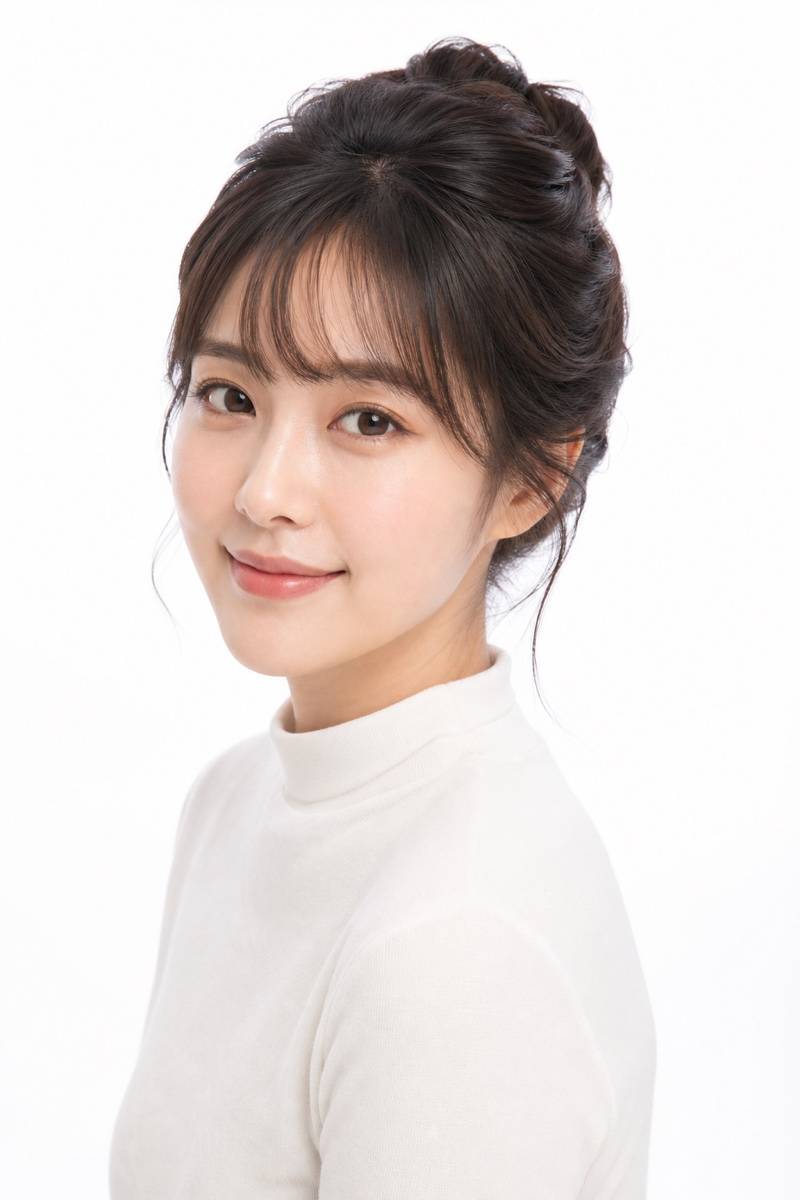 Bangs UpdoWomen
Real you. Real results.
HairWow keeps your face, pose, and lighting recognizable so the hairstyle is easier to judge.
Upload. Pick a style. See the change.
Upload your photo
Choose a clear, front-facing portrait in even light.
Pick a hairstyle
Browse the deck and choose the cut, bangs, or color you want to test.
See the change
Review the preview on your face, then compare another look if you want.
AI hairstyle changer FAQ
Is the AI hairstyle changer free?
Yes. Your first HairWow hairstyle previews are free, and you can start without creating an account. More generations and premium styles are available with HairWow Pro.
What photo works best?
Use a sharp, front-facing portrait in even light. Keep your face fully visible and tie long hair back when you want to test a much shorter cut.
Can I try hairstyles for men and women?
Yes. The preset deck includes women’s and men’s cuts, plus bangs and hair colors. Browse the examples, upload your photo, then choose the exact look in the editor.
Will the AI hairstyle look exactly like a real haircut?
The preview is a decision aid, not a haircut guarantee. Use it to compare silhouette, length, volume, and color, then show the result to your stylist as a visual reference.
Can I compare more than one hairstyle?
Yes. Keep the same base photo and try several nearby presets. Comparing a short list on one photo makes differences in framing and length easier to judge.